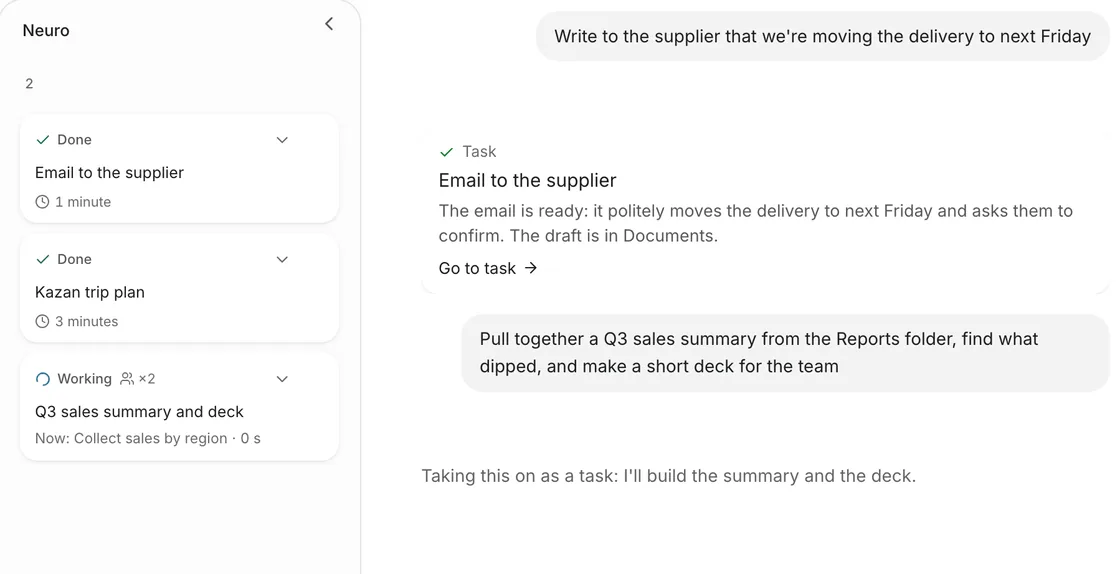
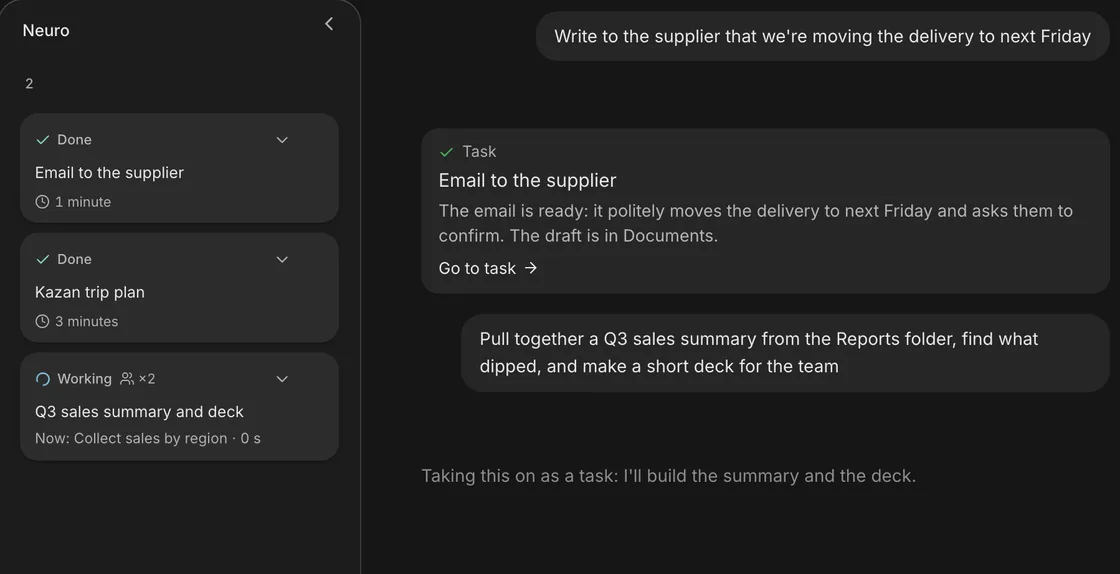
Tasks run in the background
Neuro turns a big goal into a task: the plan, steps and result stay with you even after you close the window.
A personal AI that sees things through: it searches, reads, calculates, writes and works in apps — in the browser, on your computer and from your phone.
In plain words, like you would with a colleague. Attach files or point to a folder.
It makes a plan and decides where to work: in the cloud or on your computer.
Searches, reads, commands and edits appear in the feed. Important actions wait for your yes.
A document, spreadsheet, deck, code or a finished action — with sources.
Tasks, a team of specialists, files and control — in one window.
Neuro turns a big goal into a task: the plan, steps and result stay with you even after you close the window.
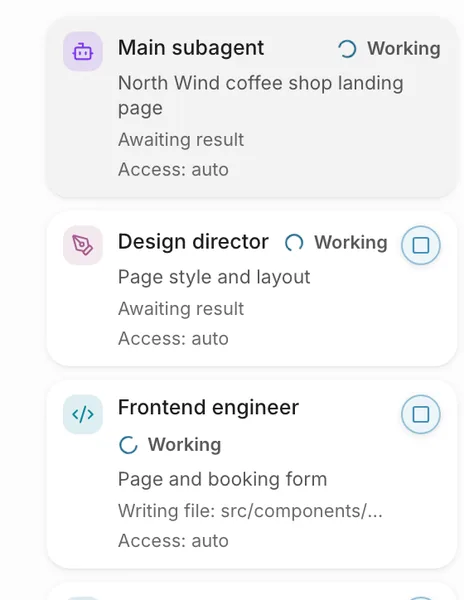
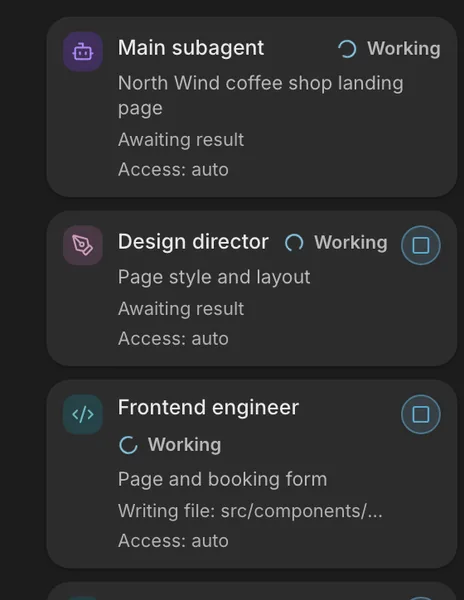
An analyst, a designer, an engineer — Neuro brings in whoever the task needs.
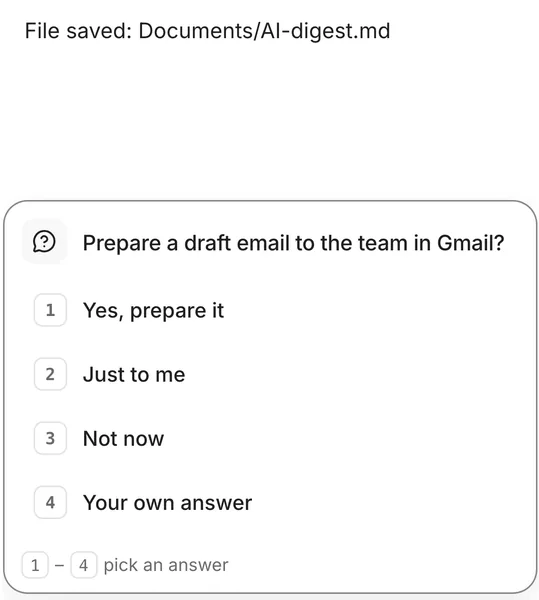
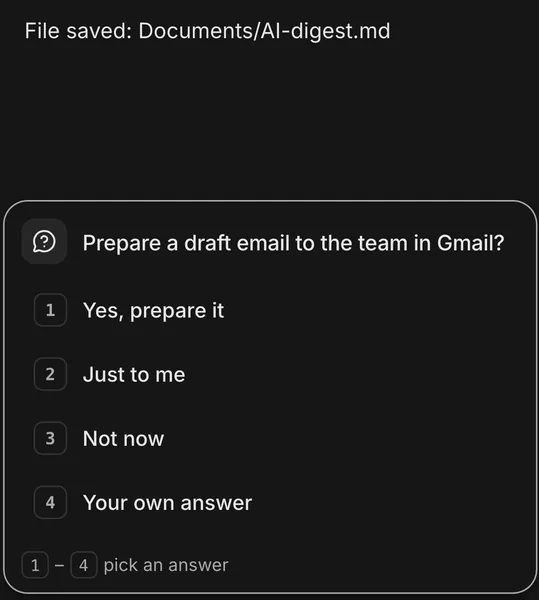
Before it sends, pays or deletes anything, Neuro asks and waits.
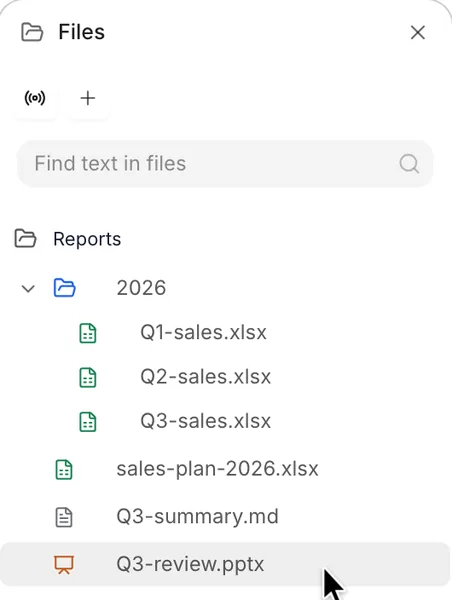
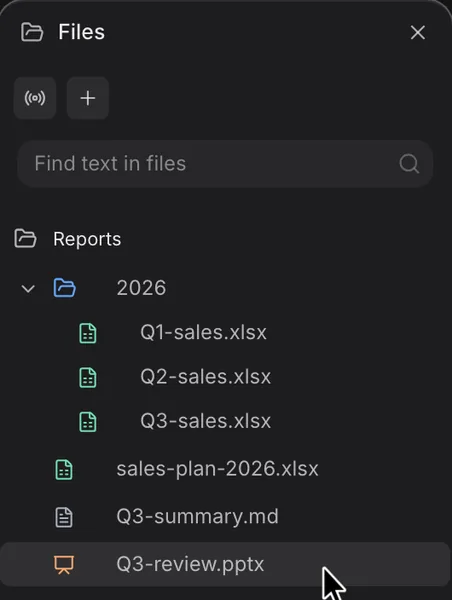
Your working folder and everything Neuro made sit in the right panel.
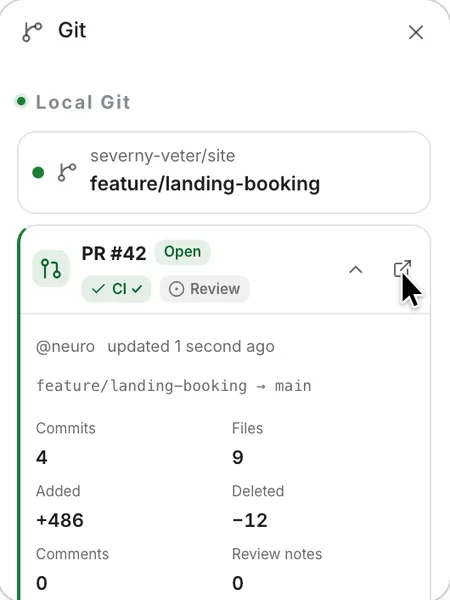
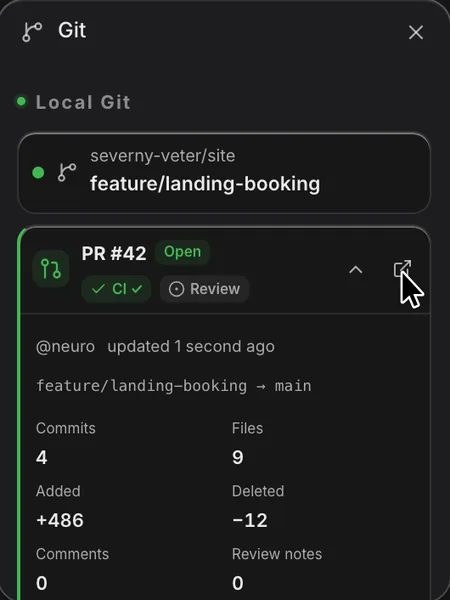
Neuro opens a pull request and watches its checks right in the task window.
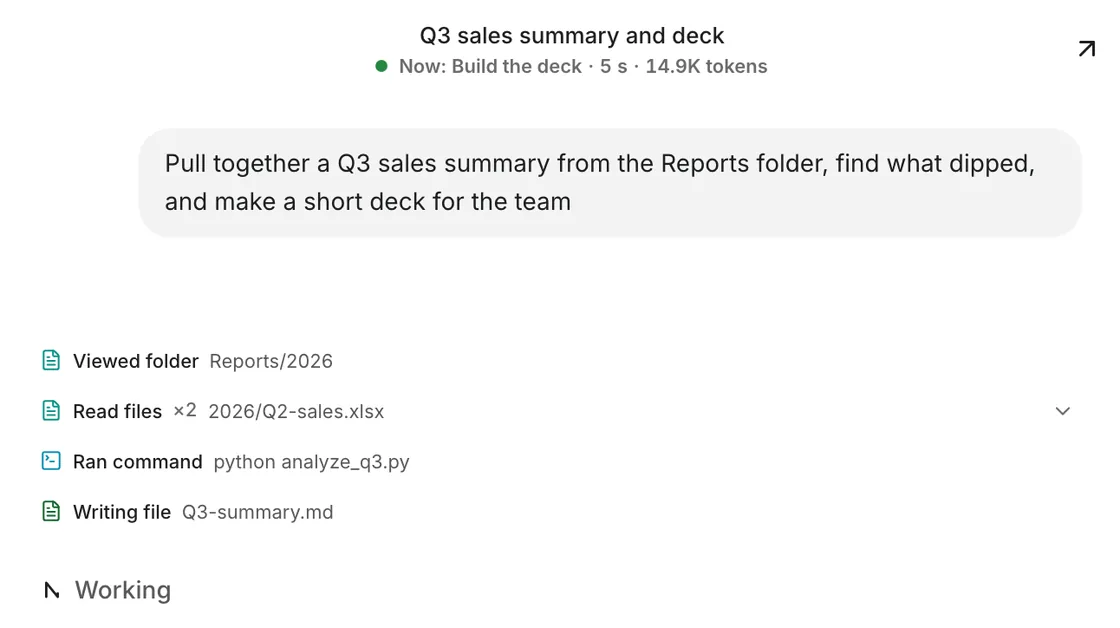
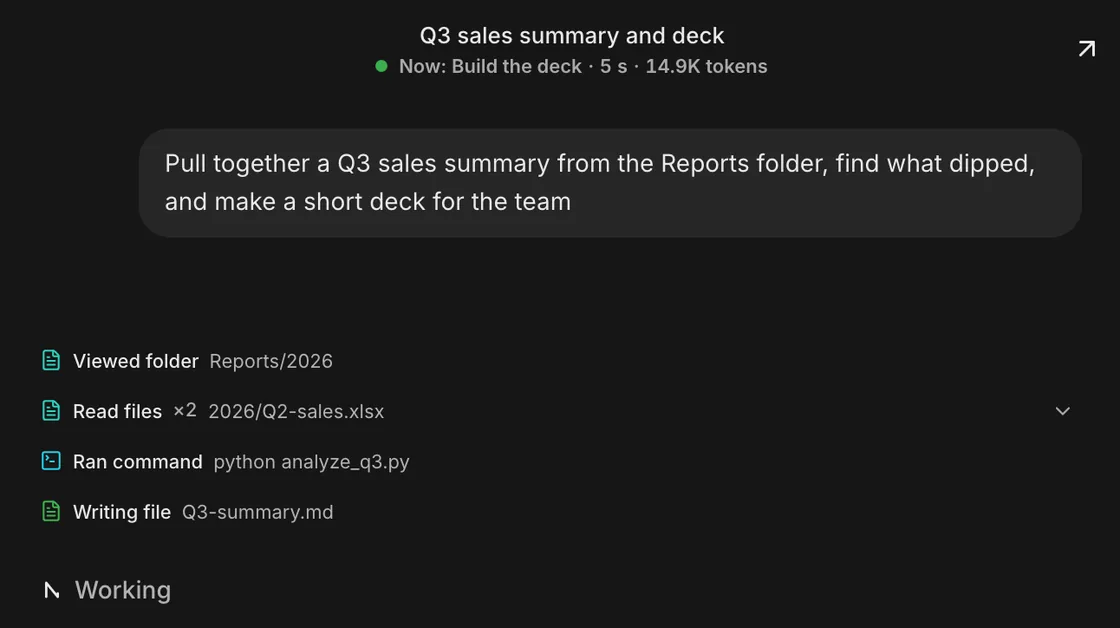
Searches, reads, commands and edits show up in the feed, each action in its own colour.
Specialist agents for different fields are built into the platform. Describe the task and Neuro assembles the right team and splits the work between them. More fields are on the way.
Drawings, specifications, BIM models and project coordination.
AEC engineerPlans, reports, processes and priorities.
Executive assistant · Operations analyst · Product analystBudgets, financial models, reconciliations and reporting.
Financial analystContracts, risks and document review.
Legal assistantMarket research, copy and campaigns.
MarketerLayouts, style and presentations.
DesignerSites, services and apps — from idea to pull request.
Technical lead · Frontend engineer · Backend engineer · Full-stack engineer · Mobile developerCode, access and configuration reviews.
Security specialistNeuro works with models from the leading labs: switch between them right in the task window.
Already paying for ChatGPT, Kimi or another plan? Connect it and Neuro runs on your subscription. Connect once — it works on all your computers.
Neuro works only in the folders you opened, or with full access if you granted it.
Before sending, paying, deleting or anything irreversible, Neuro asks for permission.
Every action stays in the task feed: what was done, with which files and at which step.
One account: a task started in the browser continues on your computer, and you can answer Neuro's questions from your phone.
The deepest mode: files, programs, the browser and the command line on your computer.
No install, from any device. Tasks run in the cloud, independent of your computer.
Task status, Neuro's questions and approvals in your pocket. Until the apps ship, Neuro works in your phone's browser.
Builds are not code-signed yet: confirm opening the app in your system settings on first launch.
Neuro is invite-only for now. Leave your email at the bottom of the page and we'll send an invite.
Models from OpenAI, Anthropic, xAI, Kimi, Qwen, GLM, DeepSeek and GigaChat. Switch models in one click right in the task window.
No: Neuro works in the browser, phones included. The macOS and Windows app adds access to files and programs on your computer.
Neuro reads only the folders you allow. To answer, it sends the relevant parts to the model you chose — as any AI service does.
Yes, in the browser: follow tasks, answer questions and approve actions. An iPhone app is coming soon.
Access is by invitation. Leave your email and we'll send an invite as soon as a spot opens.
Already invited? Open Neuro